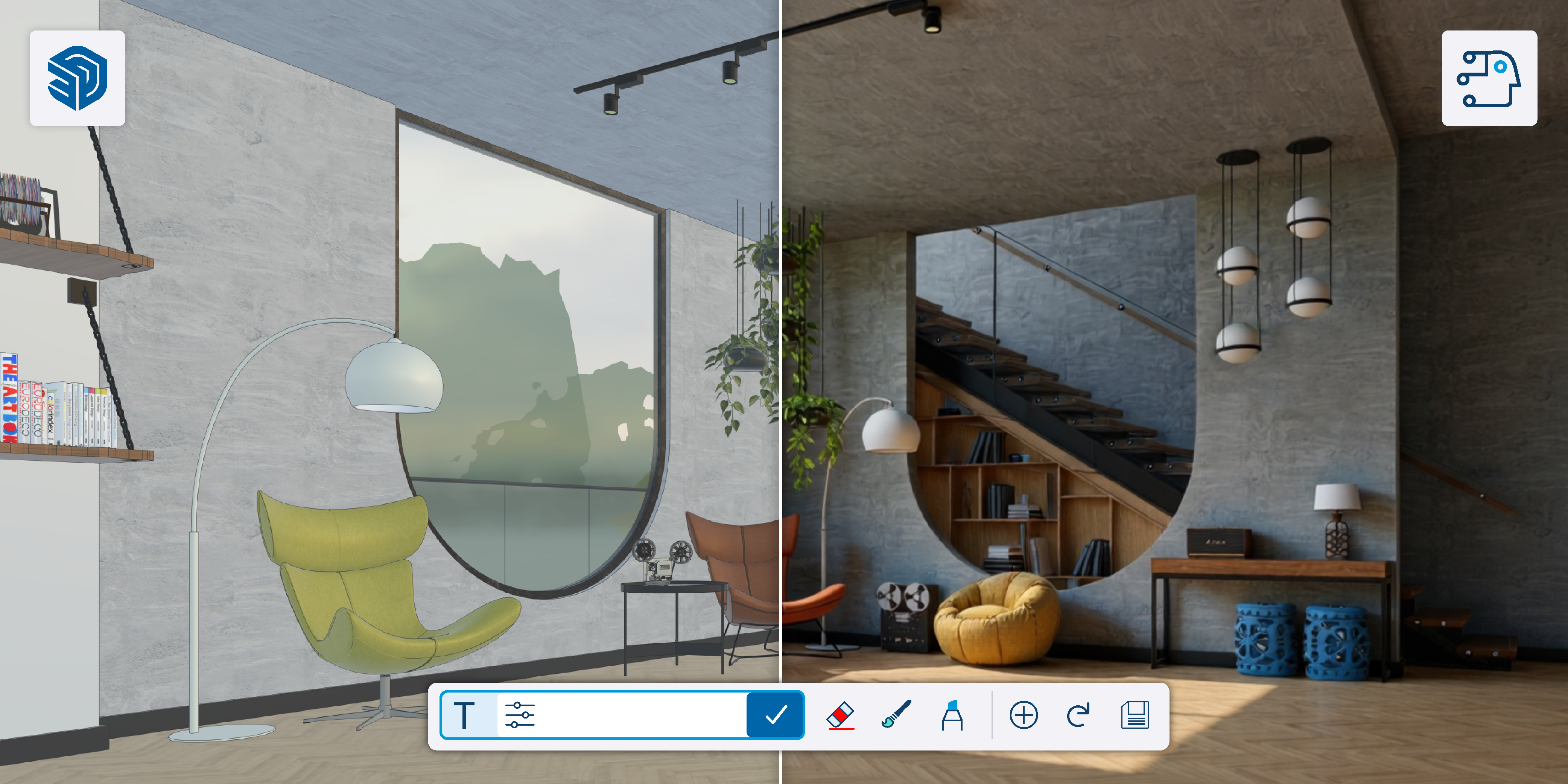
SketchUp AI
- Windows
- MacOS
- iPad
Description
With the latest release of SketchUp AI, you can experience the power of AI in SketchUp. Create rendered images with AI Render of your design within SketchUp in seconds, or use the latest AI Assistant - Generate Object feature to generate 3D SketchUp objects based on a prompt that you can place directly into your SketchUp model.
SketchUp AI is installed by default with version 2026.1 and higher.
-
AI is changing the workflow of professionals during the design process. AI Render integrates this AI technology into SketchUp, making the workflow even faster and more advanced. Use AI Render during the design process and create beautiful images of the design whenever you need them. With the new version of AI Render, there are more possibilities than ever before!
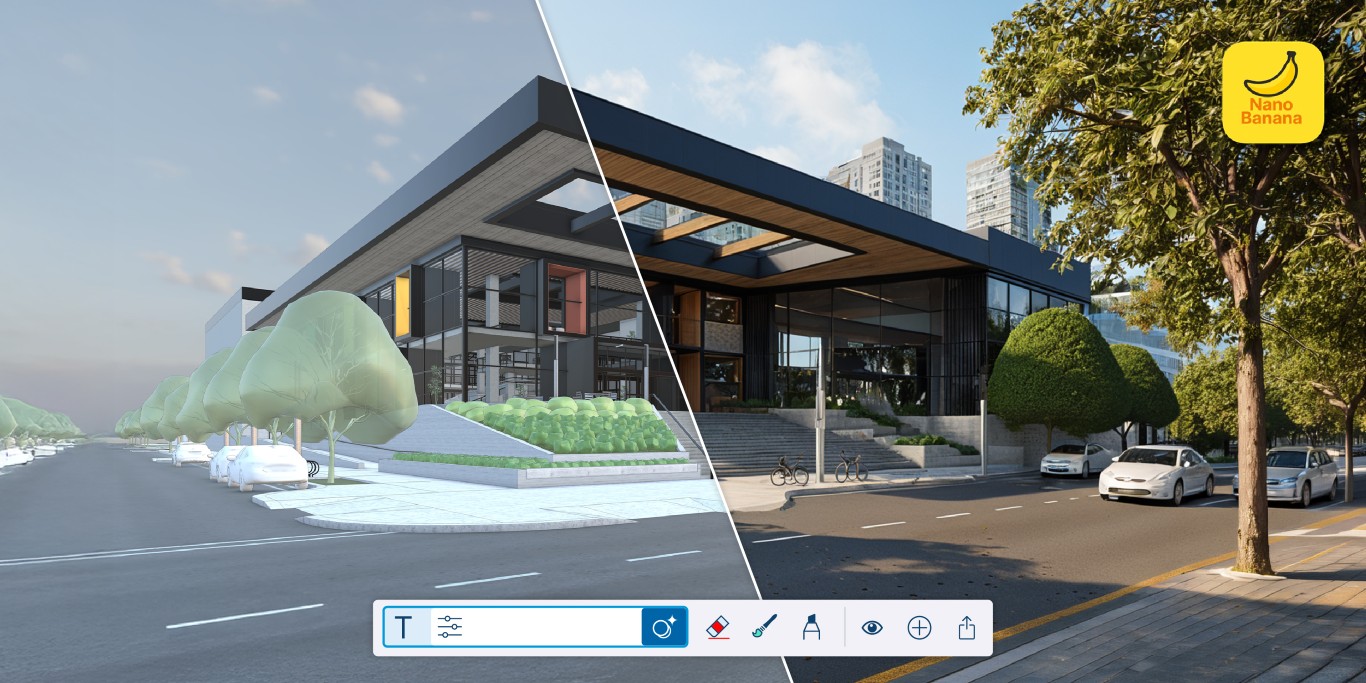
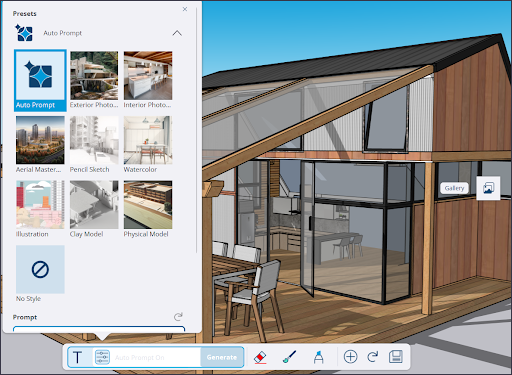
To generate an image, use presets or enter your own prompt for the desired result.
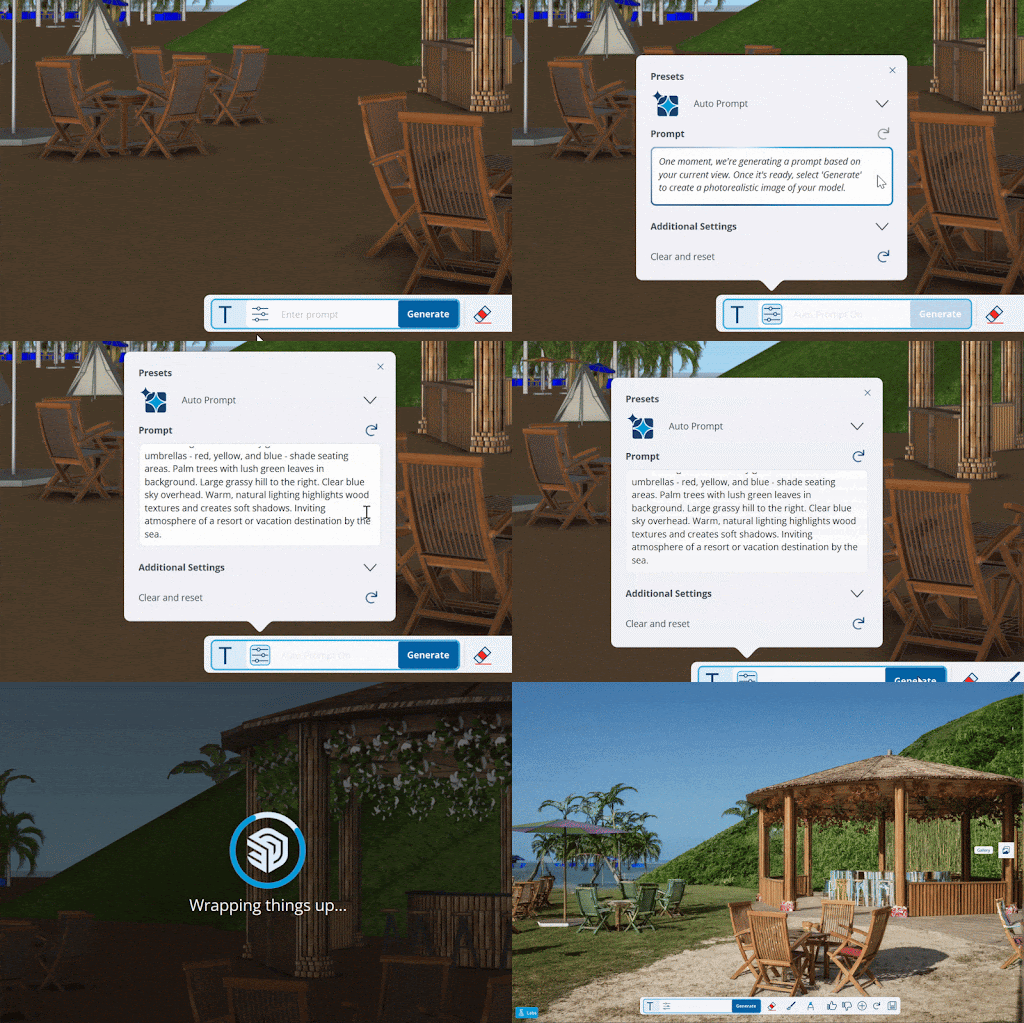
-
Let AI generate an object by entering a prompt or drag an example into the tool and generate an object based on this image. Designing has never been easier!
-
You need AI Credits to use the new AI Render and Generate Object features. Generating three standard renders with AI Render costs five credits. Generating a 3D model costs 30 credits. Every SketchUp subscription comes with a standard number of credits:
- SketchUp Go: 100 AI Credits per month
- SketchUp Pro: 150 AI Credits per month
- SketchUp Pro Scan: 150 AI Credits per month
- SketchUp Pro Advanced: 150 AI Credits per month
- SketchUp Studio: 200 AI Credits per month
Every month, your credit balance is reset to the default amount, and you can then use them again. If you run out of credits, you can purchase a SketchUp AI subscription by clicking the “Increase Balance” button. This subscription provides you with 1,500 credits per month. The subscription is managed directly through Trimble and can be found in your Account Management Portal.